TRY EZ REWARDS AS A MANAGER

TRY EZ REWARDS AS A MANAGER

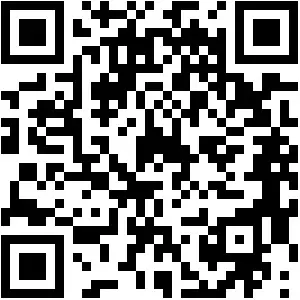
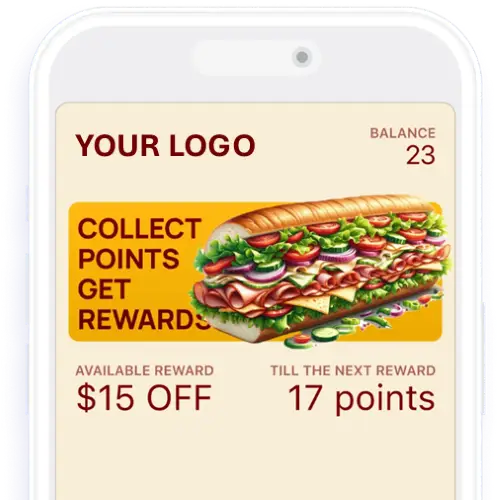
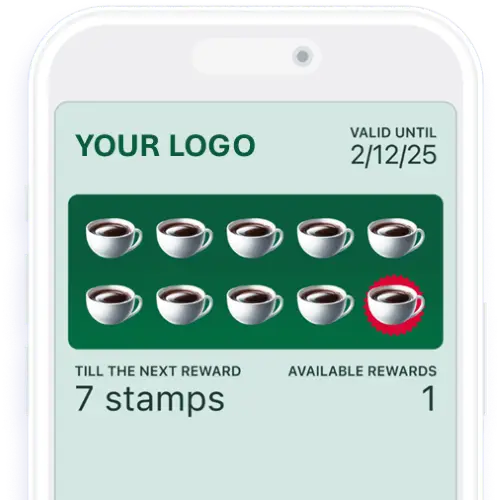
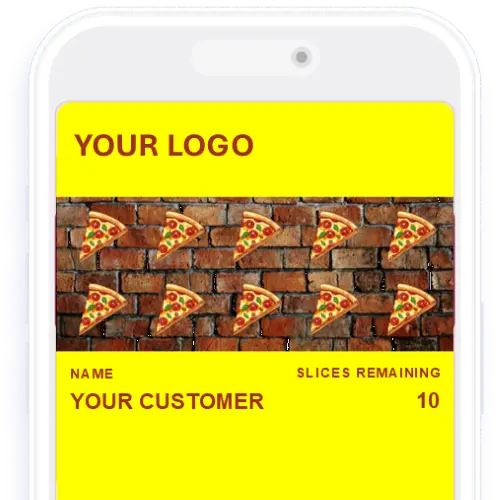
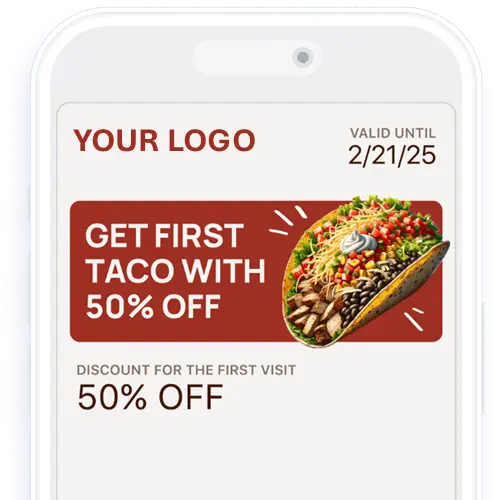
To try cards out as Manager- Follow the instructions below to download and login to the demo manager’s account.  Once you have the scanner app installed on your phone scroll down and choose the card type you wish to test out.  Scan the QR.  Once it recognizes the card, you will be prompted intuitively on how to  fulfill.  If you want to see how it works from the customer’s point of view, visit the CARD TYPES DEMO PAGE.

STEP 1- Download Scanner App

Username- demo@ezrewards.io
Password- Test123$

STEP 2- Scan Customer’s Card

STEP 3- Follow Prompts

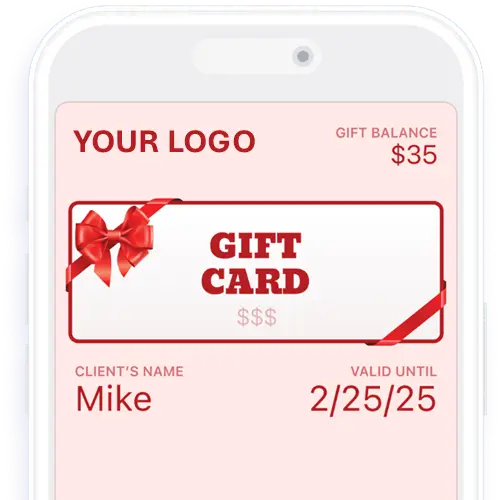
DIGITAL GIFT CARDS

qr-ezrewards-scanner-app

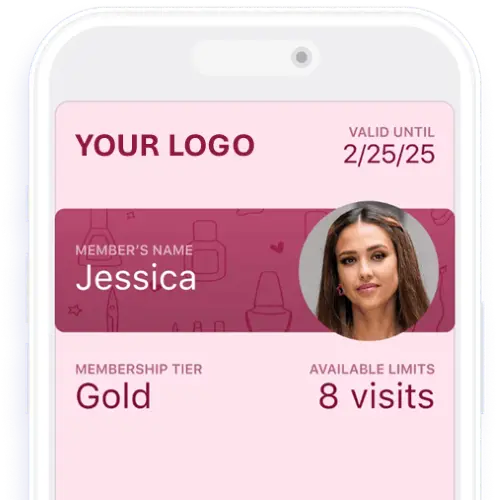
MEMBERSHIP CARDS

qr-ezrewards-scanner-app

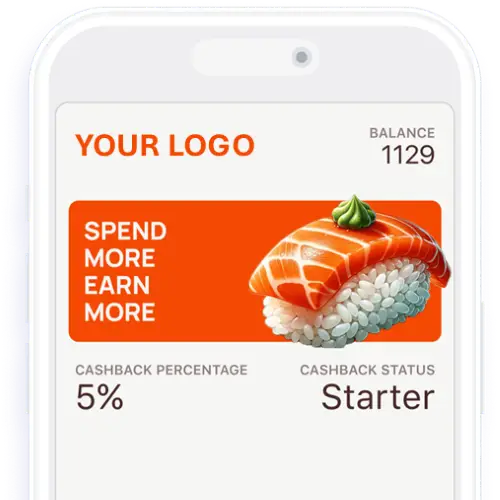
TIERED DISCOUNTS

qr-ezrewards-scanner-app

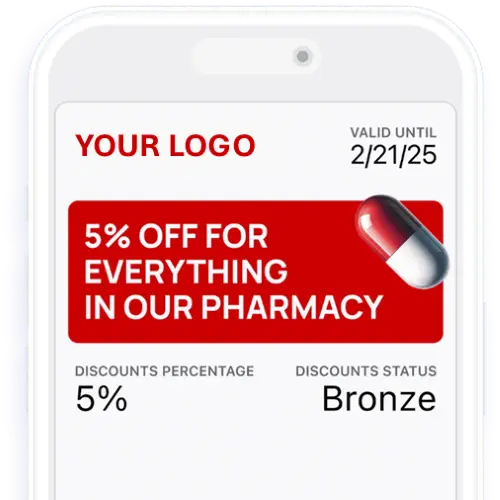
COUPON CARDS

qr-ezrewards-scanner-app

DIGITAL GIFT CARDS

qr-ezrewards-scanner-app

MEMBERSHIP CARDS

qr-ezrewards-scanner-app

TIERED DISCOUNTS

qr-ezrewards-scanner-app

COUPON CARDS

qr-ezrewards-scanner-app

Ready to start your 14 Day FREE Trial?

©2026, 9th Street Media, LLC.
All Rights Reserved.