TRY EZ REWARDS AS A CUSTOMER

TRY EZ REWARDS AS A CUSTOMER

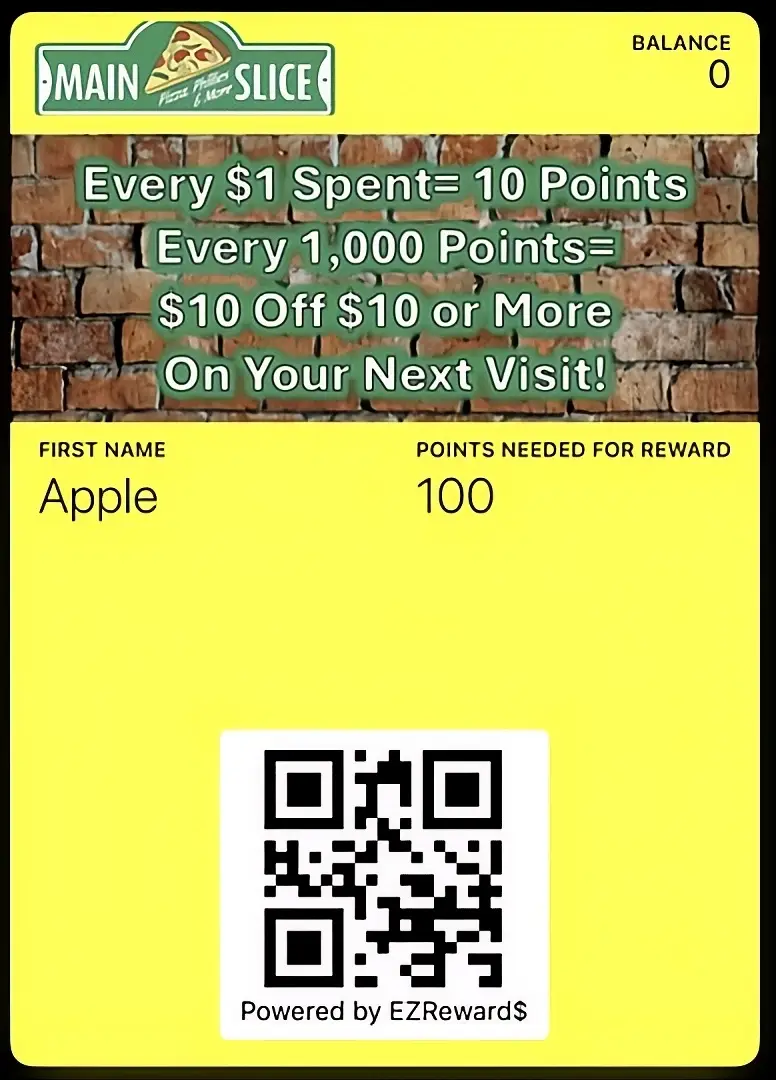
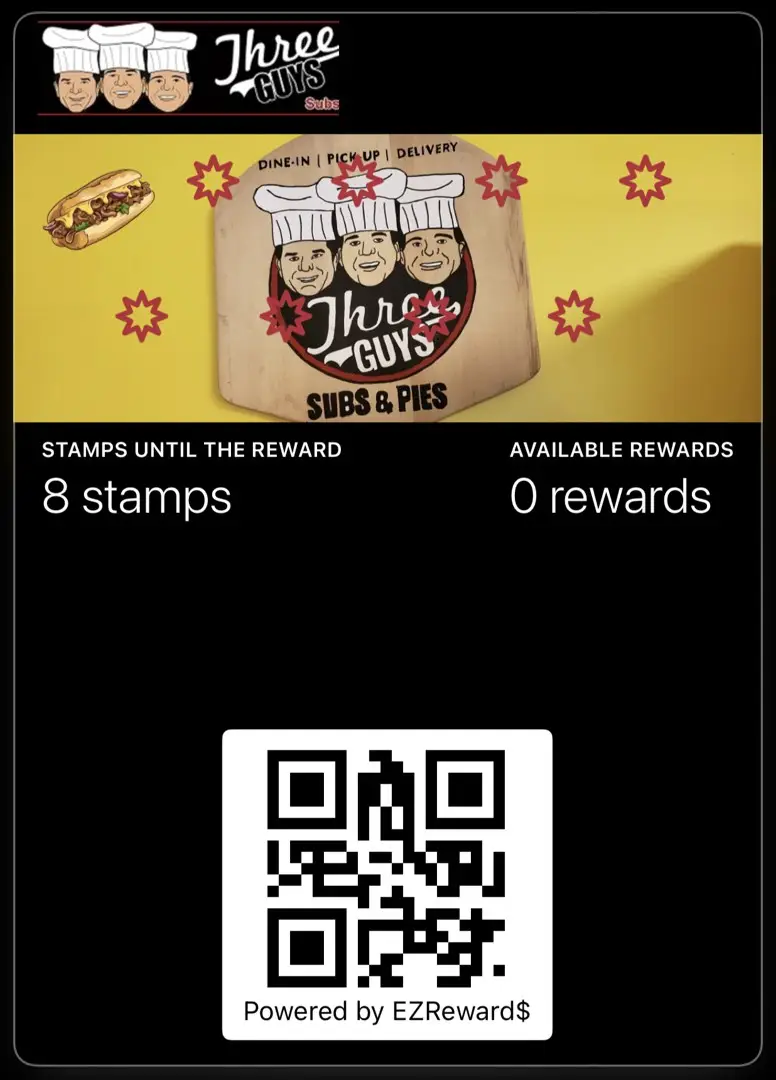
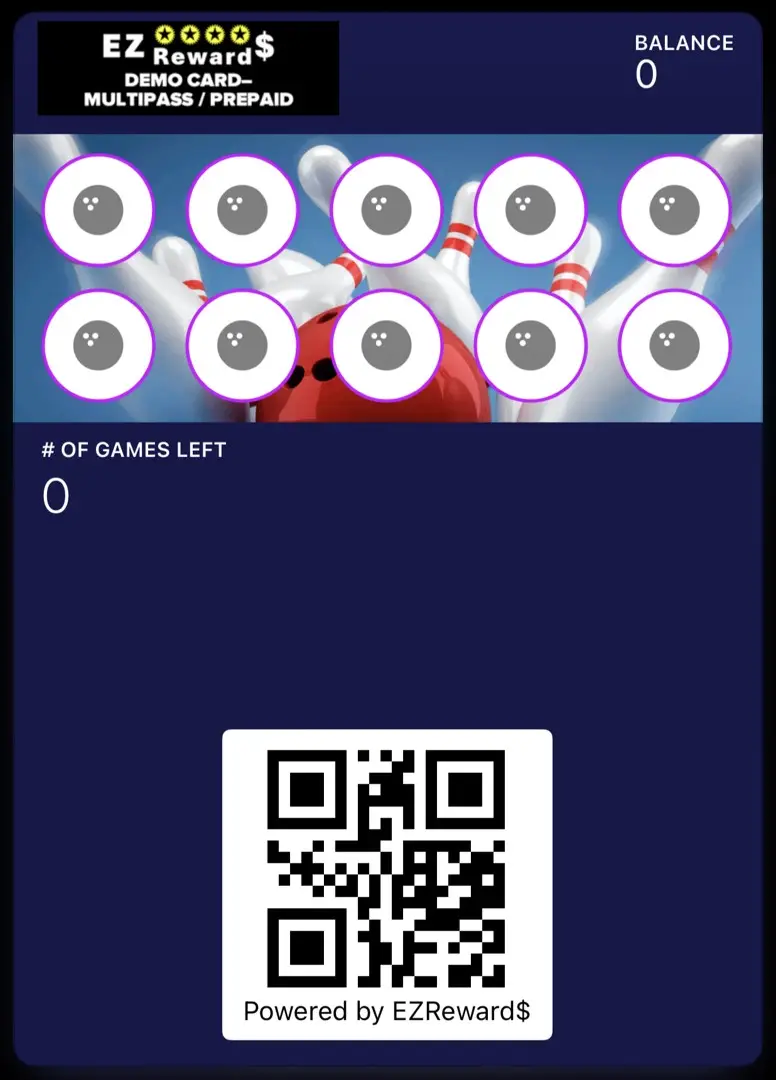
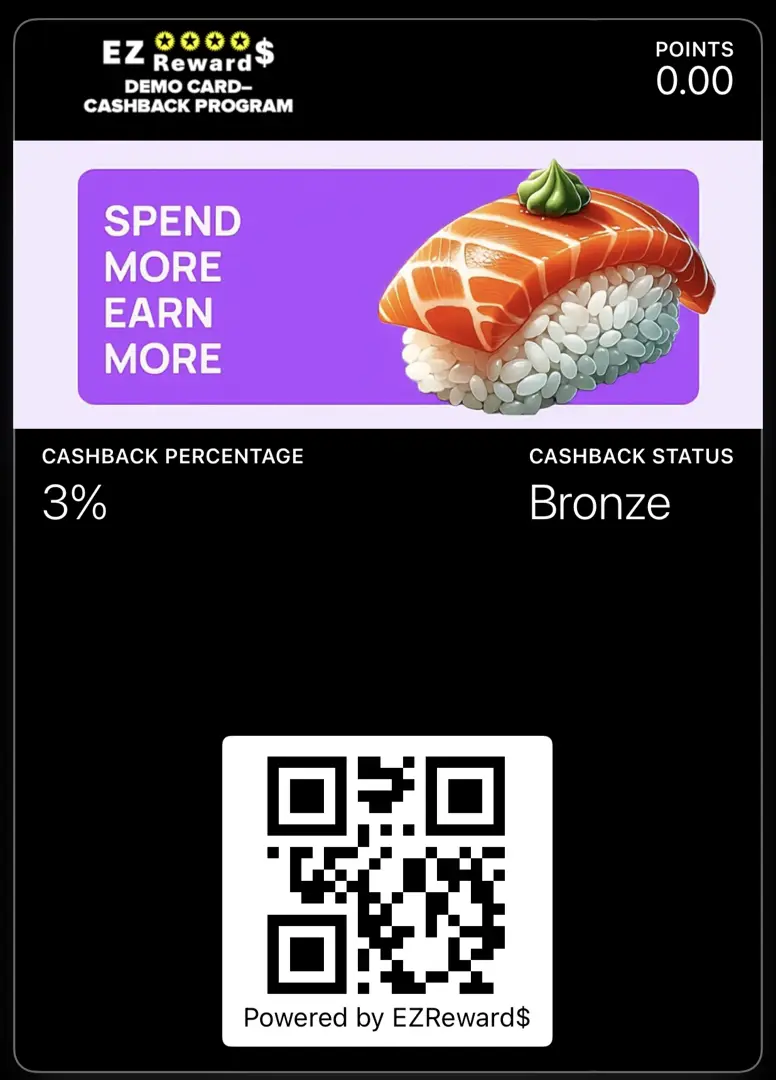
To try cards out as customer- scan the QR or click on the card images below.  You will have to register for each card separately.  These are demo accounts only so it’s ok to make up fake data. If you use the same phone or email twice, you will be prompted to verify via a code by email so it’s best to make up random data for each card you want to try.  After the demo, simply delete the card from your phone. Once you have added the card(s) you want to try to your phone, you can further test by adding stamps or logging purchases or making redemptions using our DEMO SCANNER APP .

STEP 1- Scan The QR Below The Card You Wish To Try

STEP 2- Fill Out Form, Then Choose Installation Option

STEP 3- Follow EZ Prompts To Add To Wallet OR Phone Screen

ezrewards-card-added-to-android-home-or-google-wallet

REWARD POINTS

qr-ezrewards-scanner-app

PUNCH / STAMPS

qr-ezrewards-scanner-app

PREPAID / MULTIPASS

qr-ezrewards-scanner-app

CASHBACK PROGRAM

qr-ezrewards-scanner-app

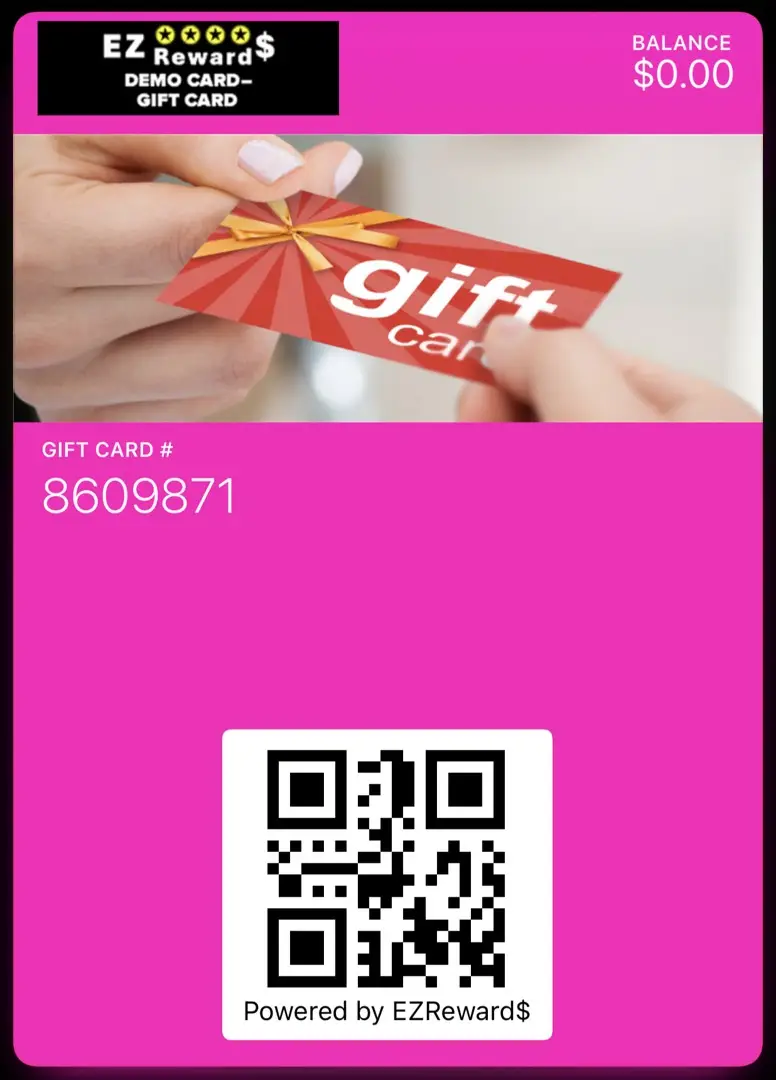
DIGITAL GIFT CARDS

qr-ezrewards-scanner-app

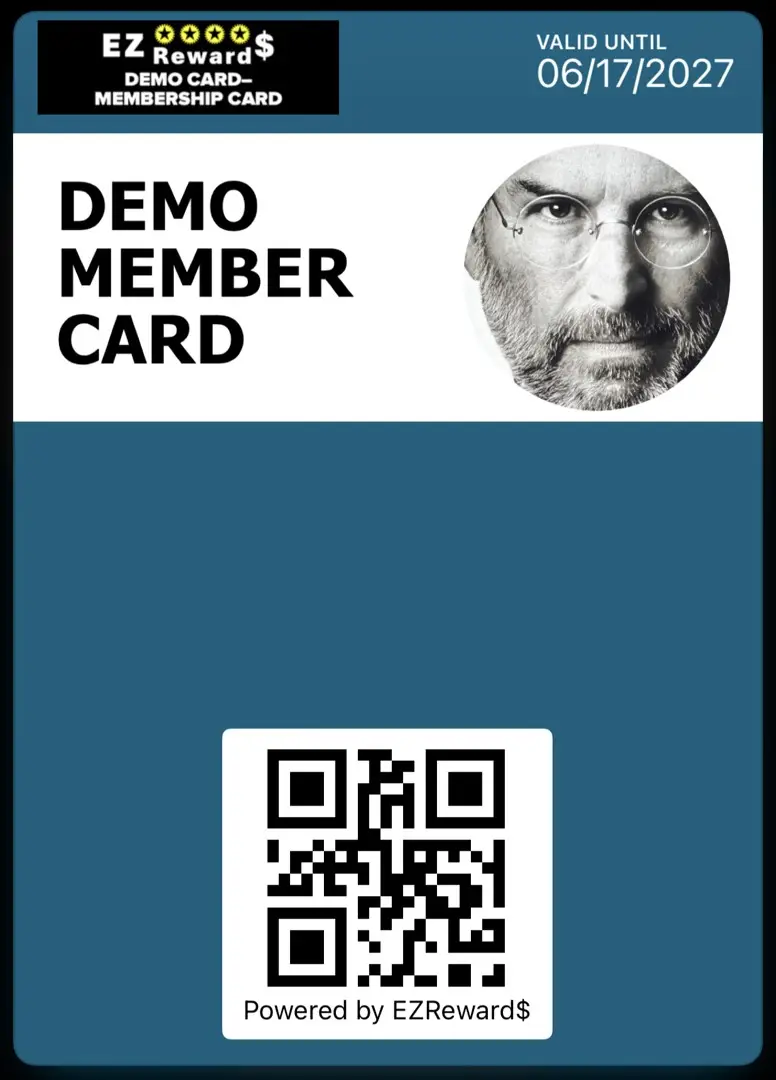
MEMBERSHIP CARDS

qr-ezrewards-scanner-app

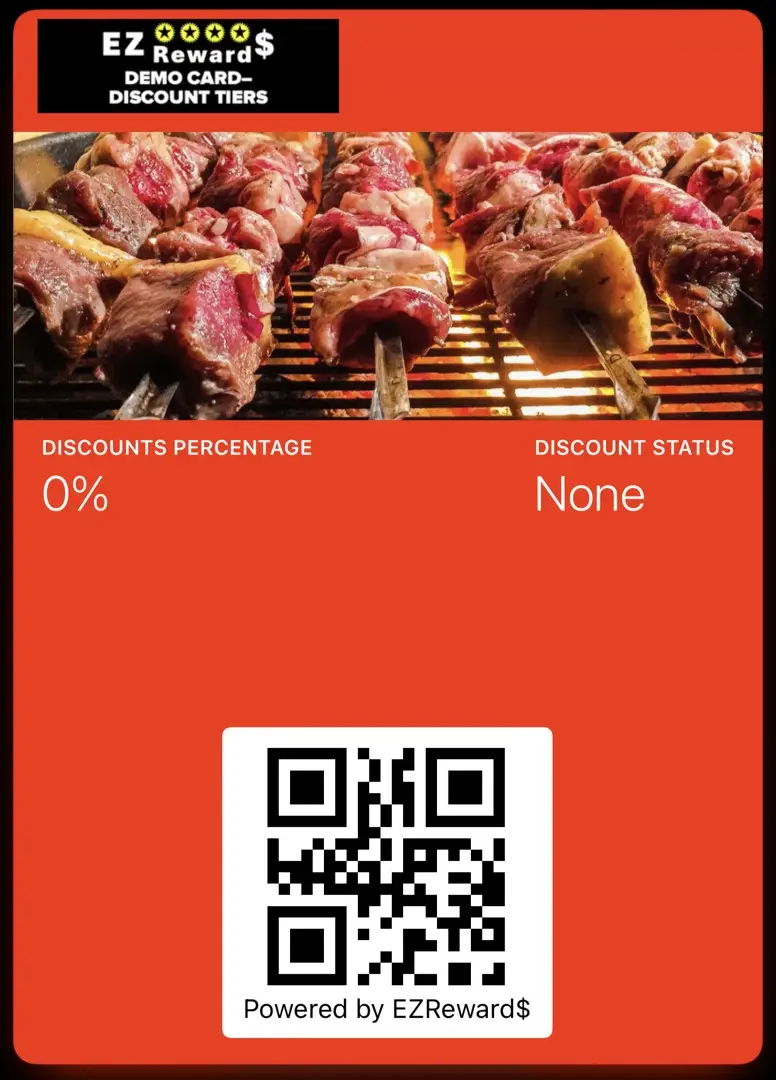
TIERED DISCOUNTS

qr-ezrewards-scanner-app

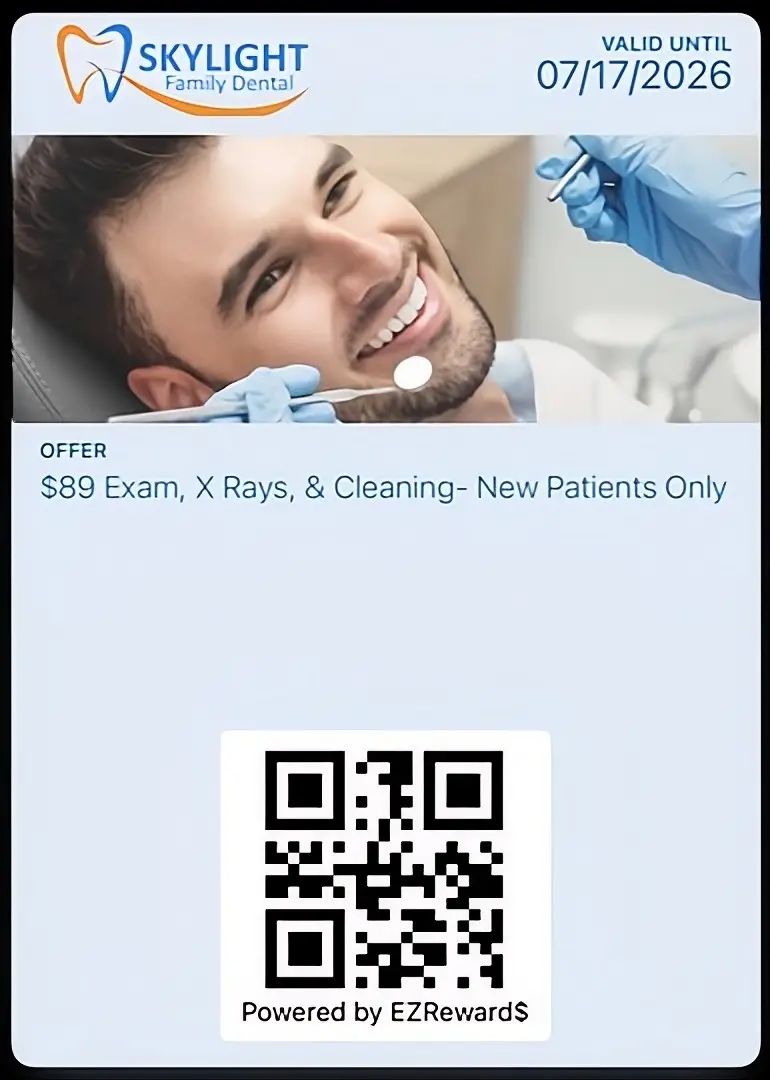
COUPON CARDS

qr-ezrewards-scanner-app

Ready to start your 14 Day FREE Trial?

©2026, 9th Street Media, LLC.
All Rights Reserved.