

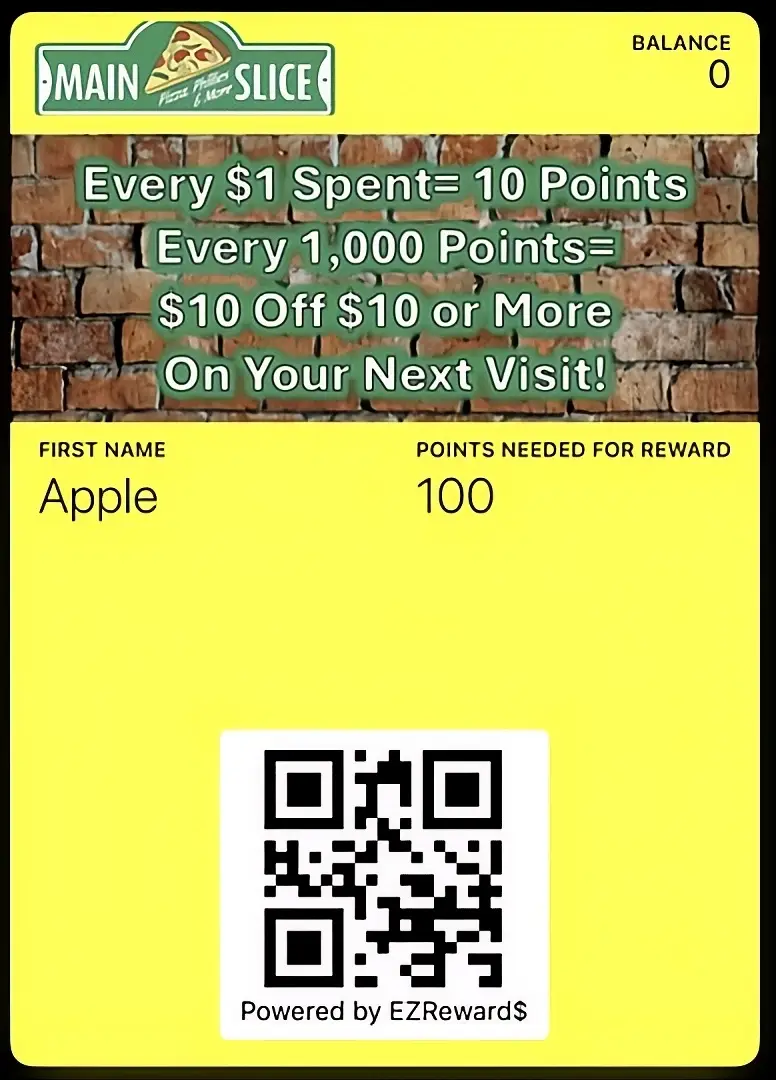
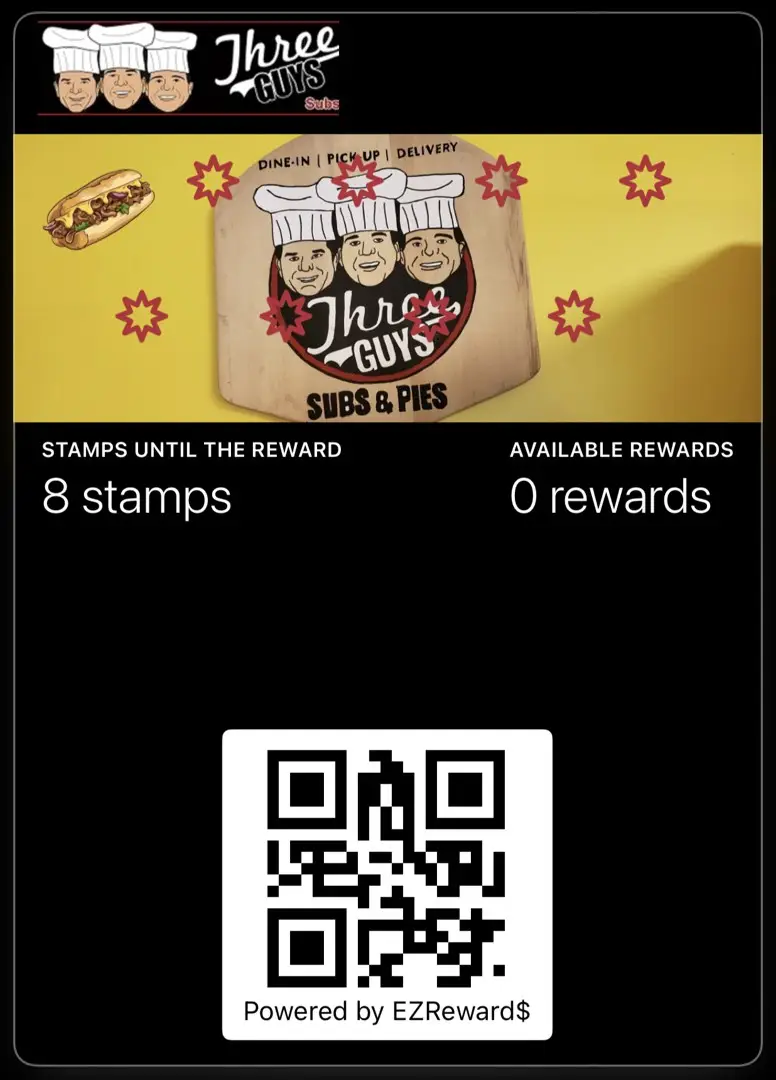
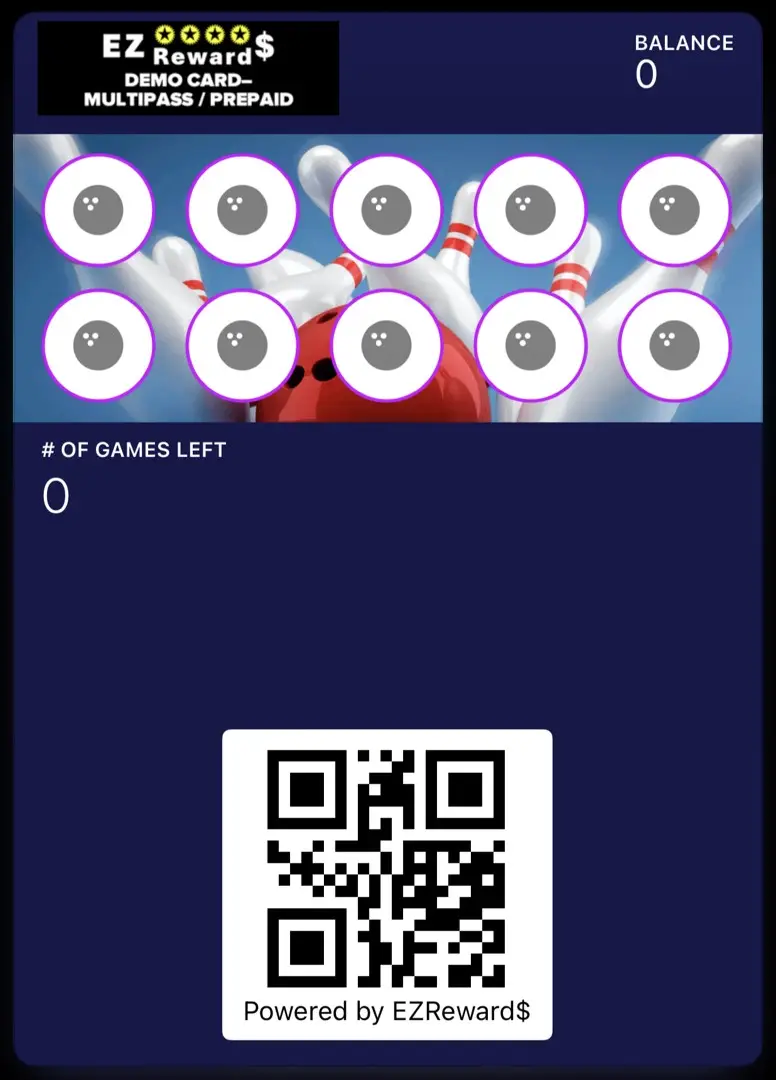
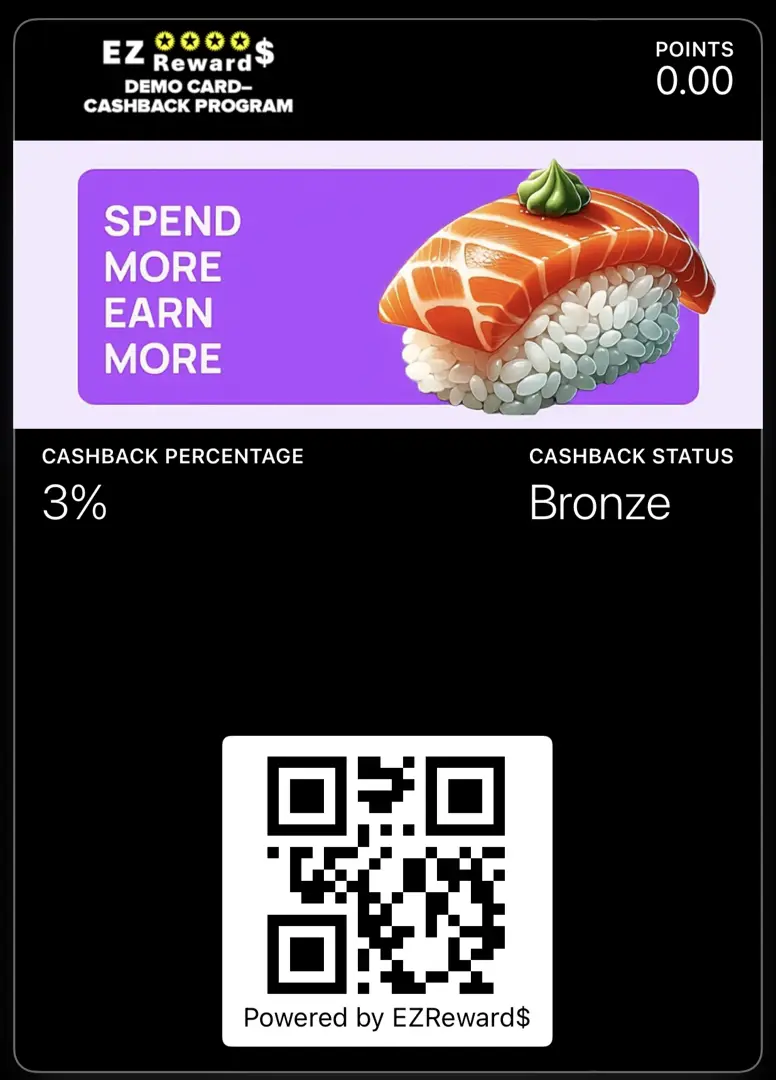
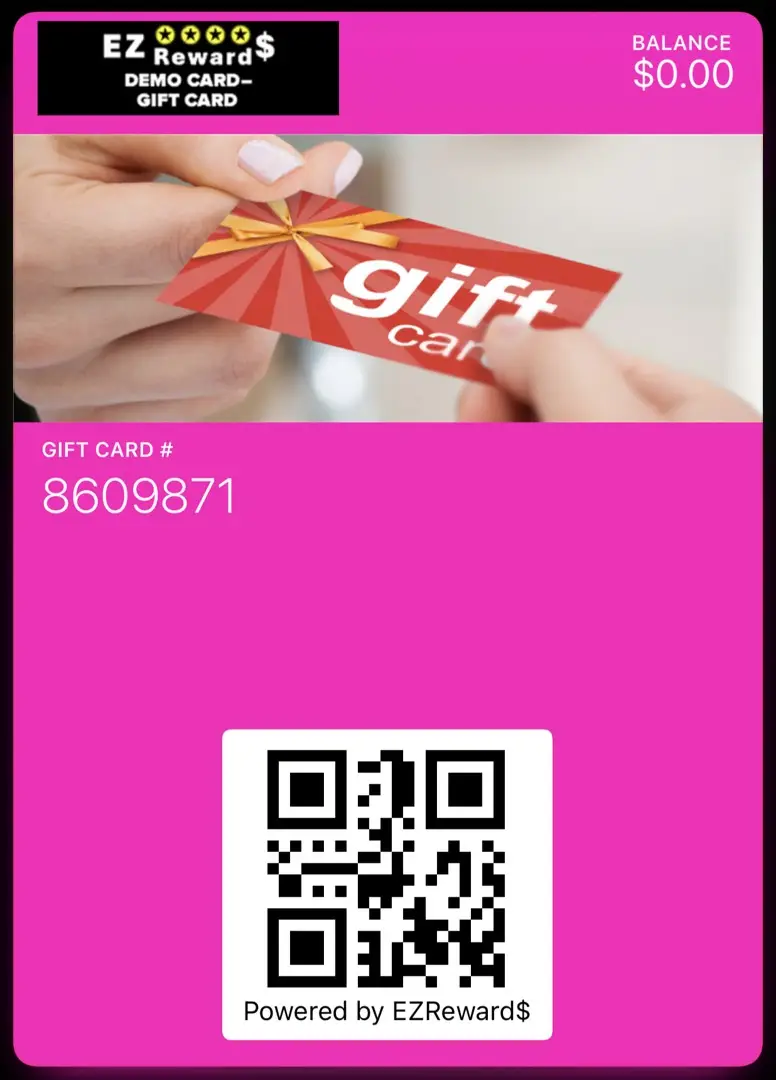
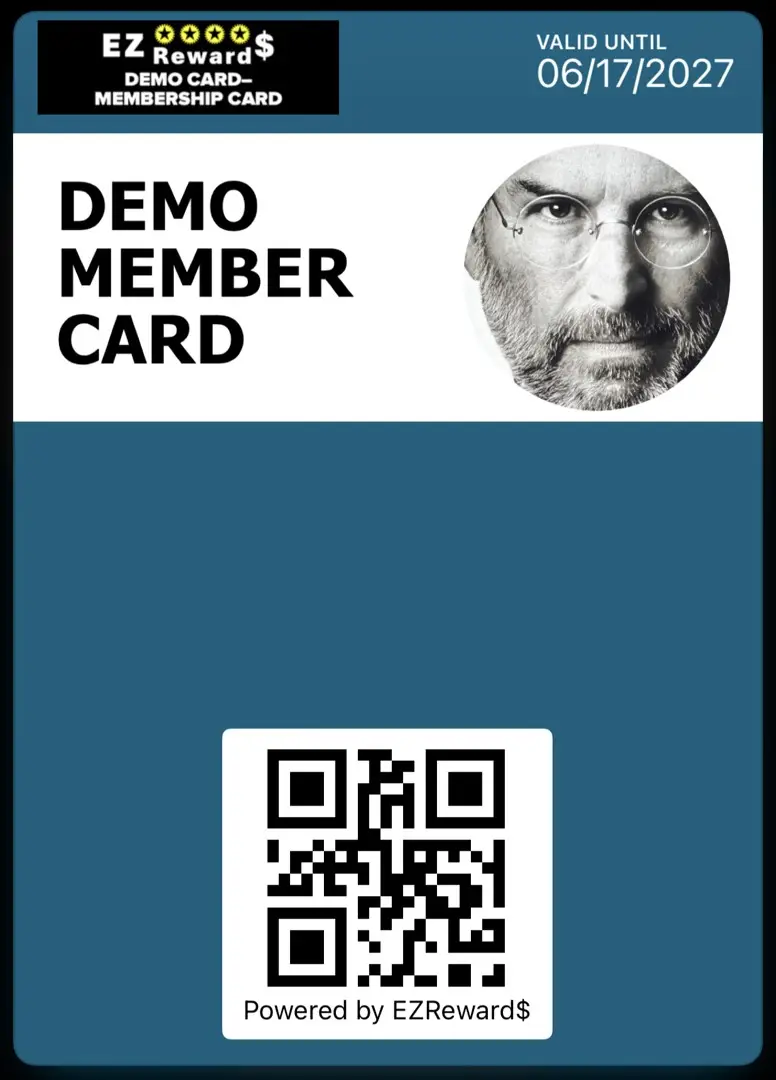
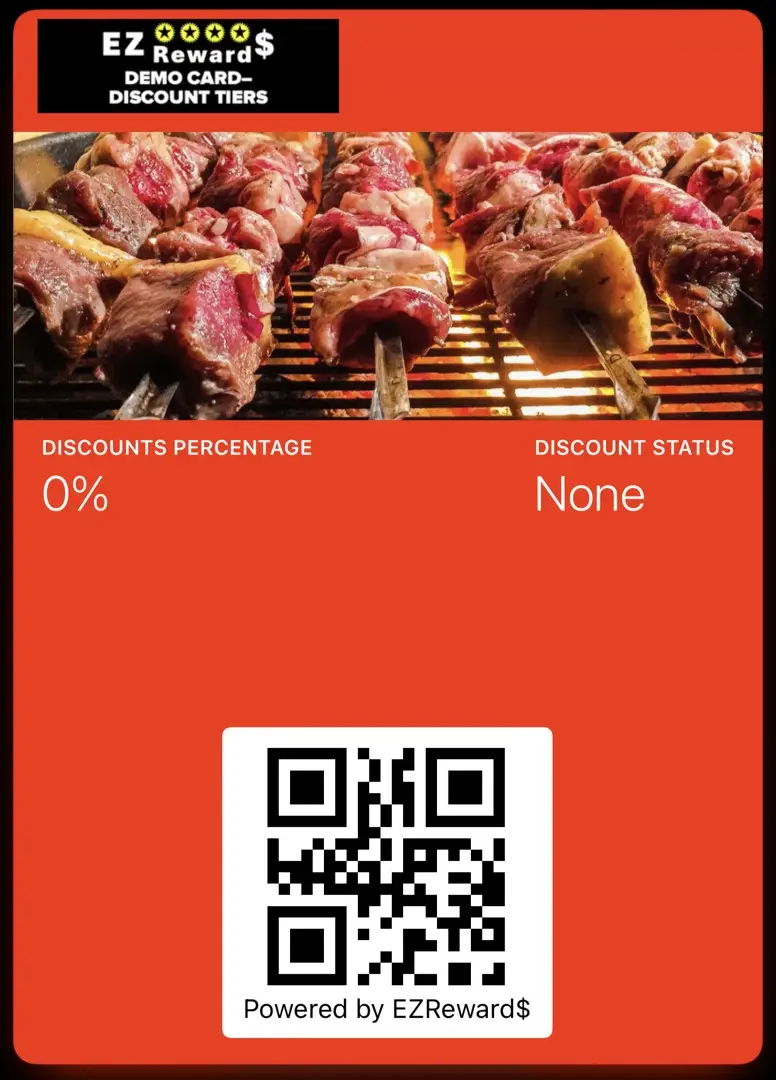
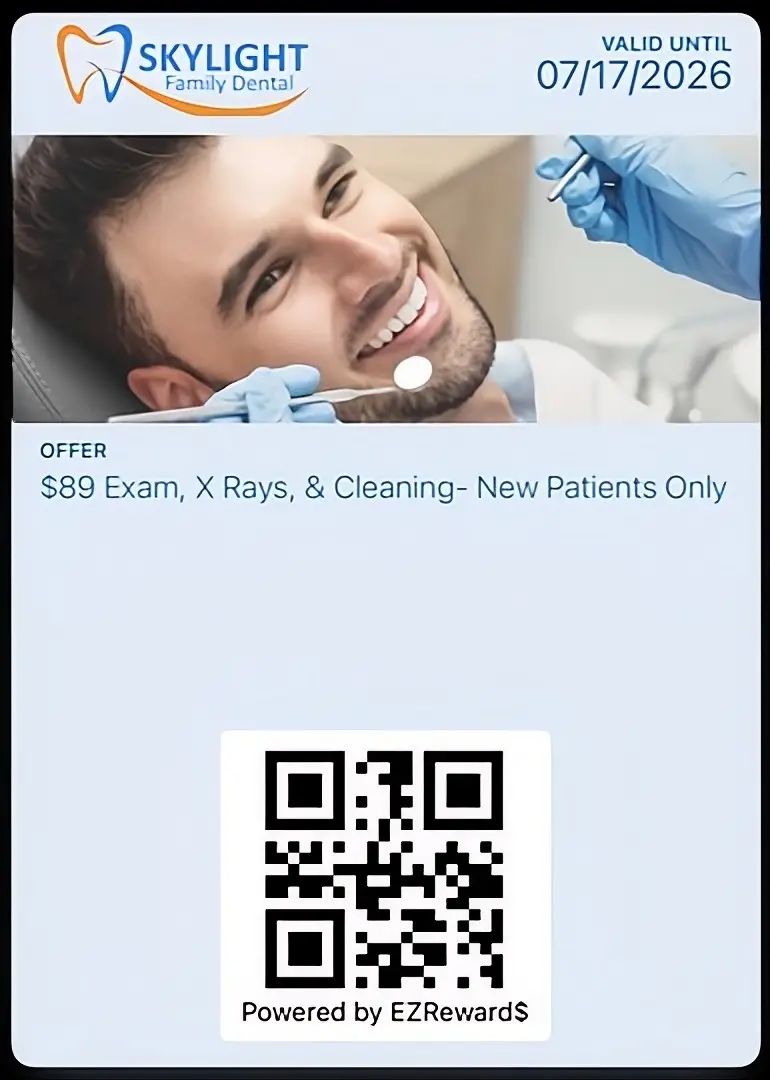
8 Digital Card Types
NOTICE: DEMONSTRATIONS NOT LIVE YET. COMING SOON!
TEST AS A CUSTOMER
TEST AS A CUSTOMER
Follow the instructions below to add a demo EZ Rewards card to your phone.
Open The QR or Click The Link Below The Desired Card Type.

Fill Out The Form, Then Click On Desired Install Option.

Follow EZ Prompts To Add To Wallet OR Phone Screen.

NOTICE: DEMONSTRATIONS NOT LIVE YET. COMING SOON!
NOTICE: DEMONSTRATIONS NOT LIVE YET. COMING SOON!
Now try the SCANNER APP DEMO.
Developed by 9th Street Media, LLC.
© 2026 All Rights Reserved.
© 2026 All Rights Reserved.
