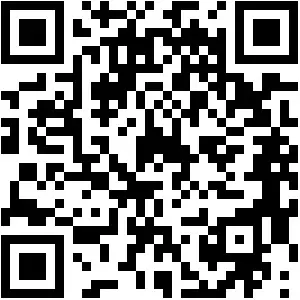
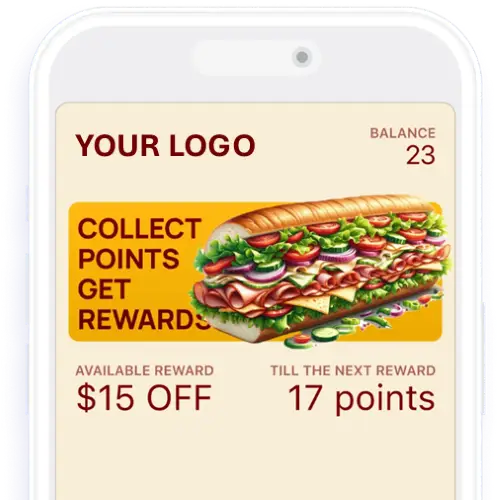
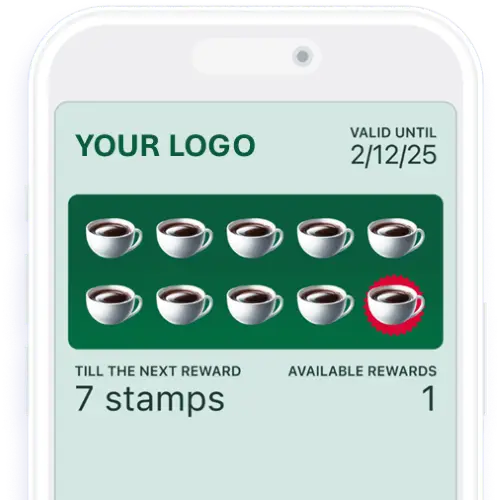
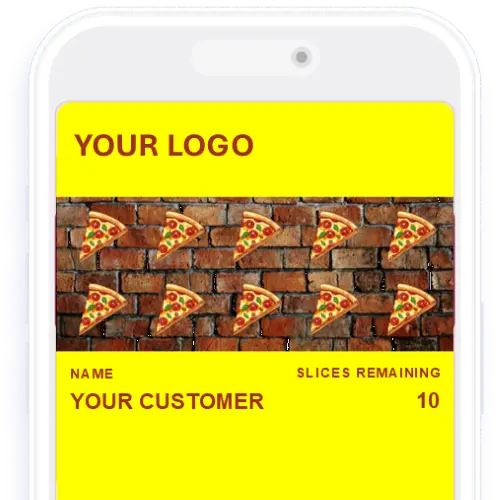
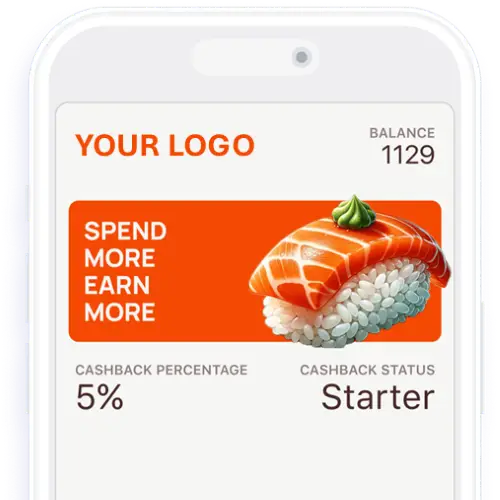
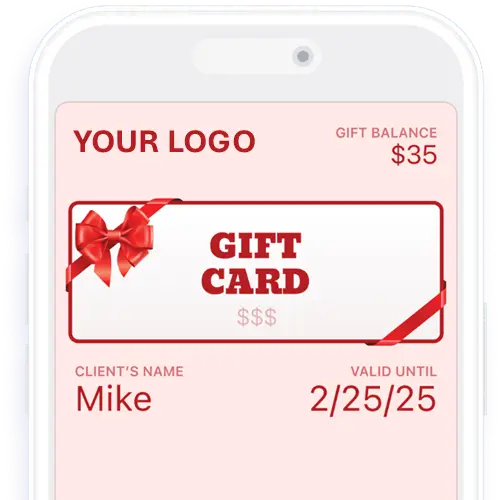
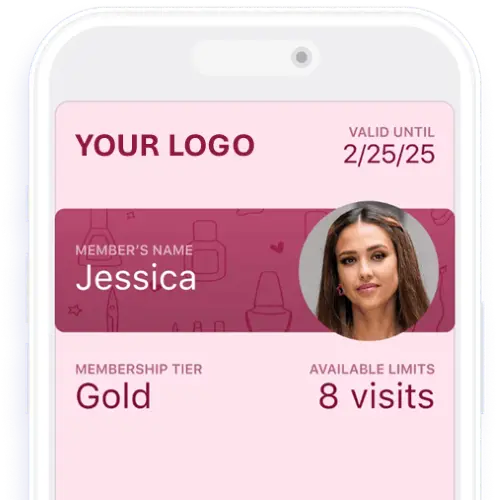
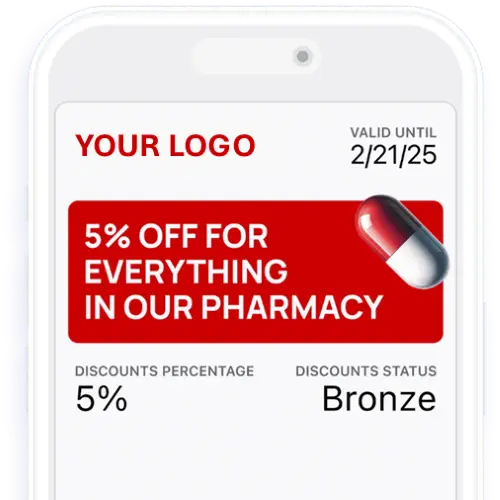
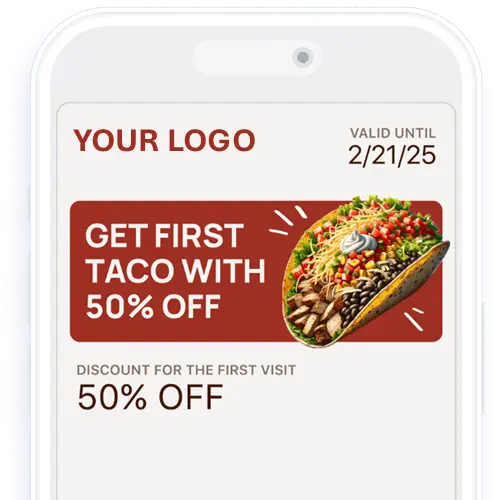
To test the EZ Scanner, you need 2 separate devices. DEMO CARDS.
Download Scanner App
User: demo@ezrewards.ioPassword- Test123$
Scan Customer QR
Follow The Prompts
Ready to start your 14 Day FREE Trial?
Facebook
X
LinkedIn
WhatsApp


 Optimized by Seraphinite Accelerator